Powered By Olvy
In this interview, Angelika Svetlove explains how her pipeline automatically converts reconstructed datasets into WEBKNOSSOS within minutes, allowing scientists to inspect terabyte-scale tomography data remotely without downloading everything first.
Read the full interview: https://medium.com/webknossos/from-beamline-to-browser-automating-high-throughput-x-ray-imaging-with-webknossos-at-embl-p14-dc992159574f

Version 26.01
Voxel pipette
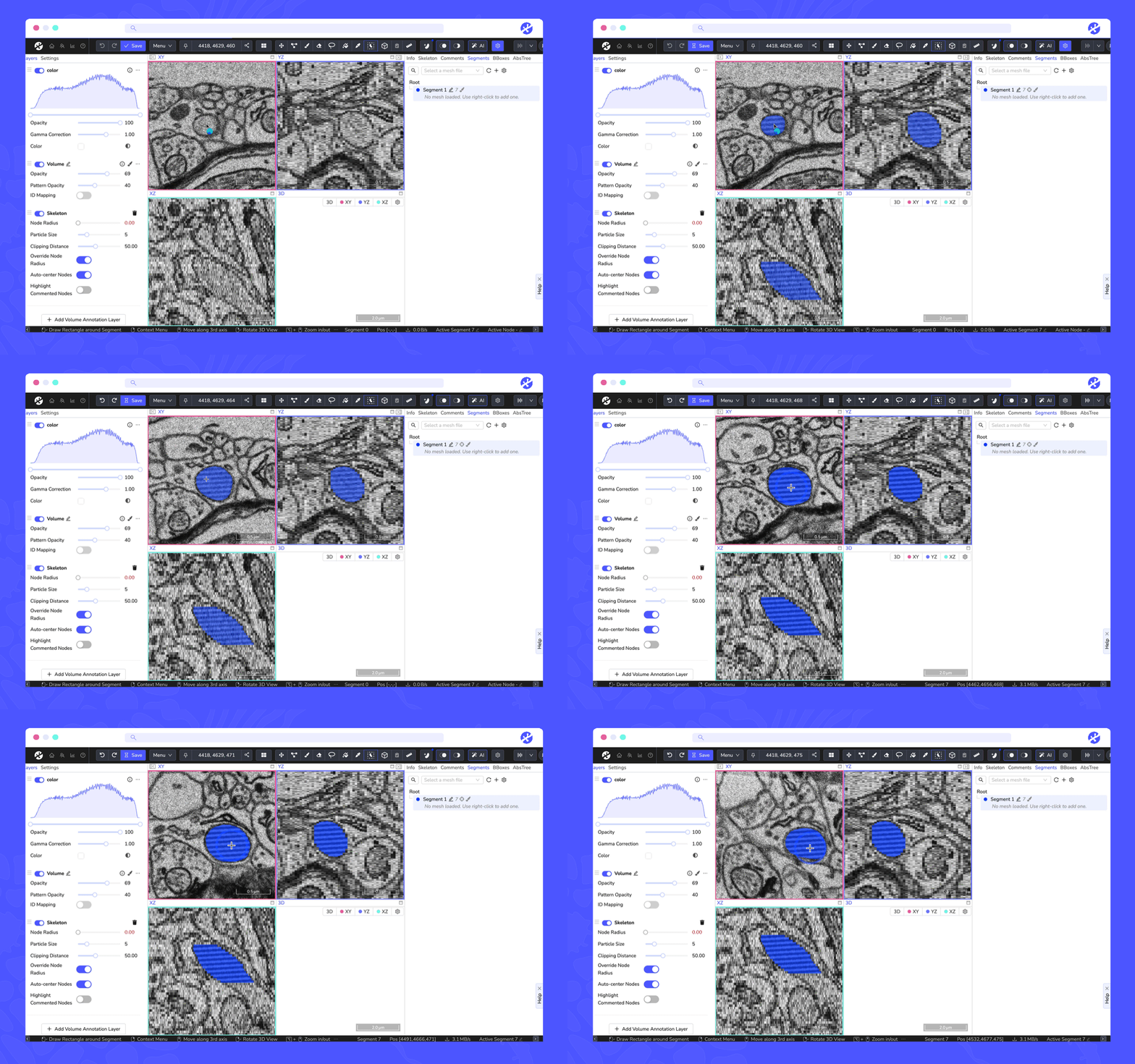
We generalized the old "Segment Picker" tool to be a "Voxel Pipette" tool which can show the data values for all visible layers in a tooltip. The old behavior for activating a segment ID can still be achieved by pressing Shift. #8989

Surface area
The surface area of a segment can now be shown in the context menu. #8928

Multi cut mode
We added a new multi cut mode to the proofreading tool, allowing more precise agglomerate splits. Instead of marking just one
2025 brought some exciting updates to WEBKNOSSOS. From faster navigation to smarter proofreading tools, these new features make exploring and annotating your 3D datasets easier and more efficient.
We have summarized the most useful additions and included short demo videos so you can see them in action. Check out the article!
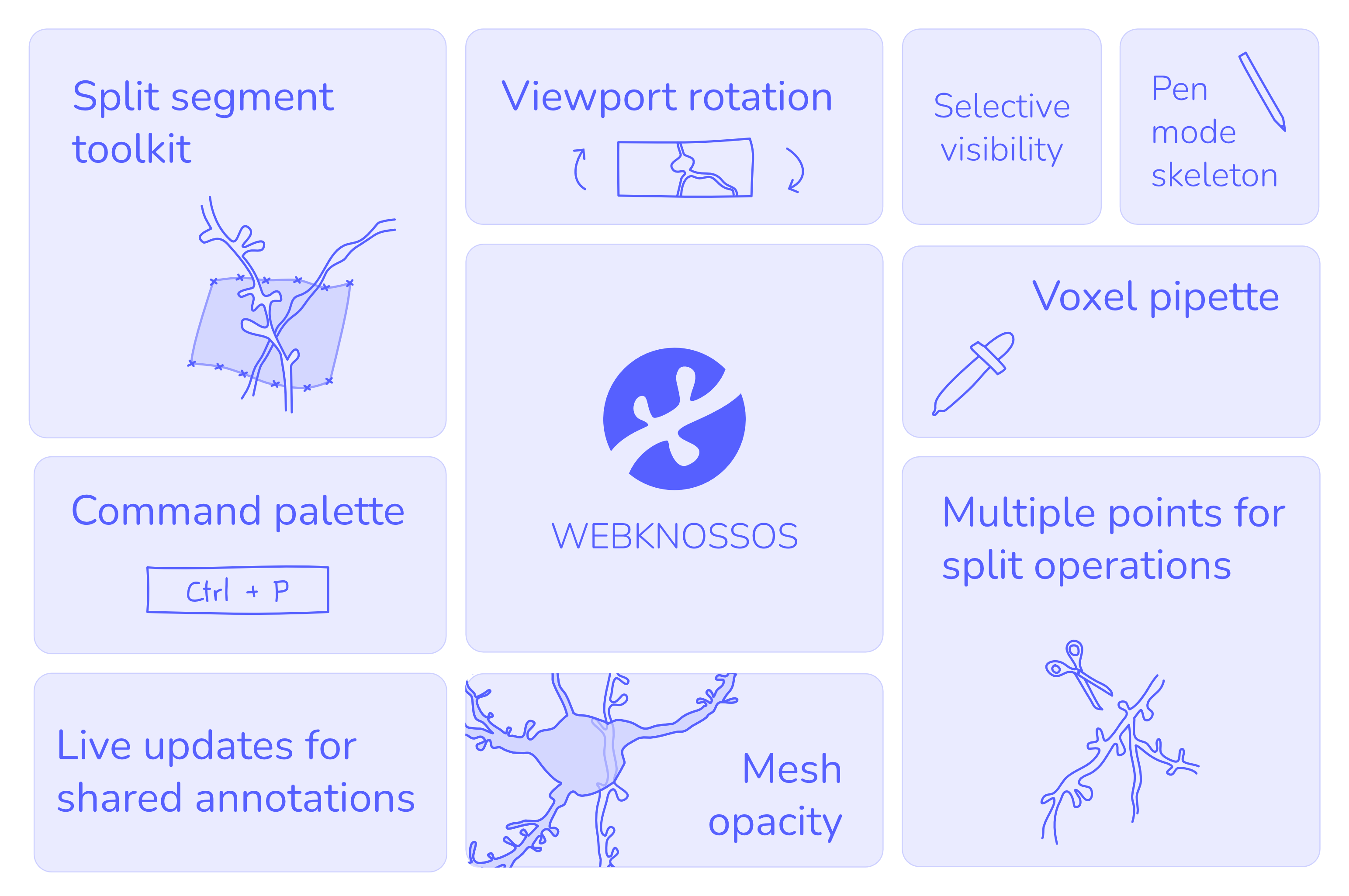
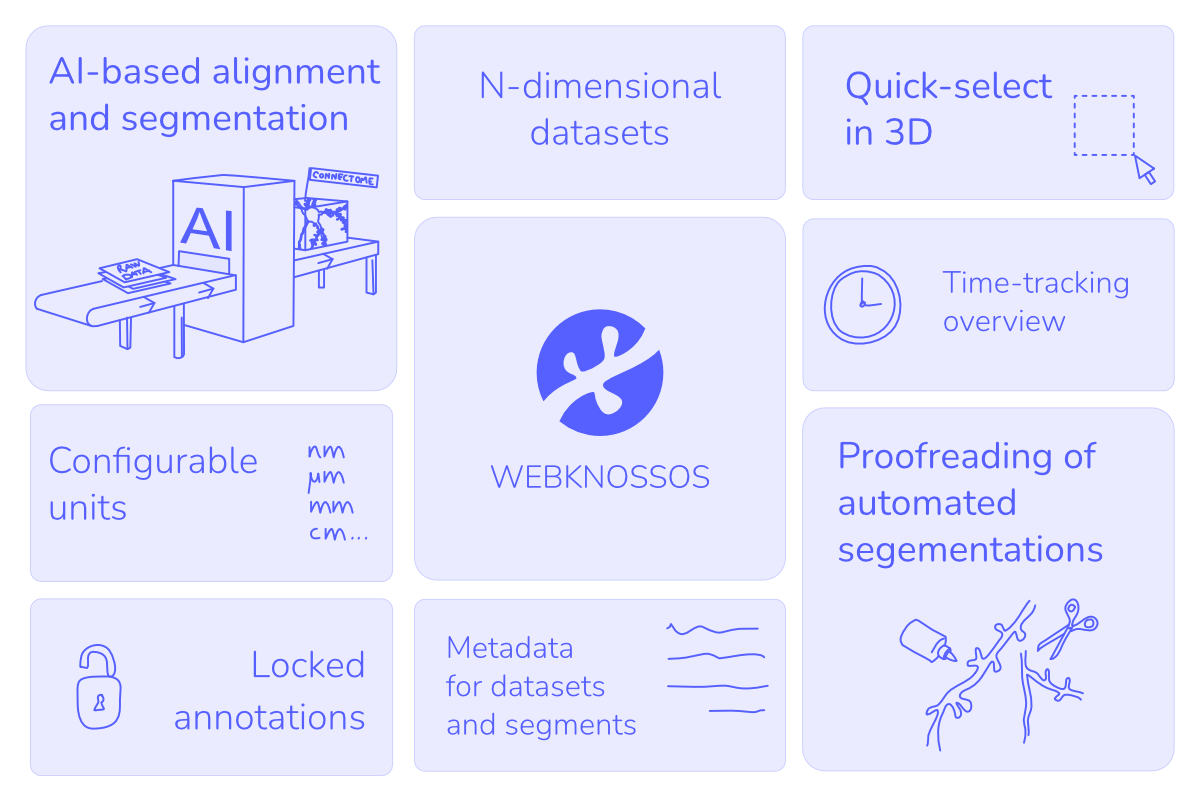
As we step into 2025, we want to take a moment to look back at the major developments in WEBKNOSSOS over the past year. From integrated AI analysis to the quick-select tool in 3D and enhanced proofreading workflows, we’ve introduced a range of features designed to streamline your connectomics and volume EM data analysis. Check out our article to ensure you haven’t missed anything!
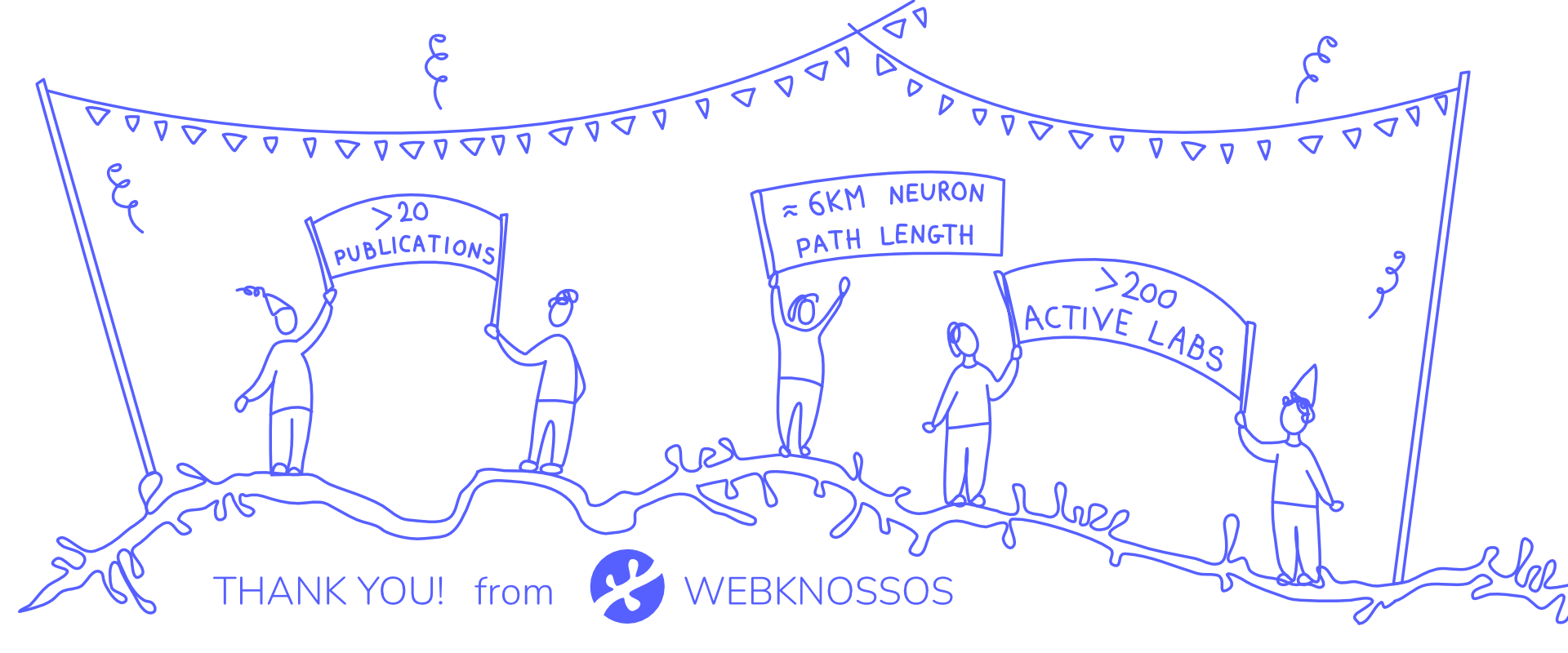
This year, we supported 200+ labs, contributed to 20+ publications, and reconstructed 6KM of neuron path. 🚀 Thanks to your input, we launched tools like the 3D quick-select and integrated AI-based segmentation directly into WEBKNOSSOS. Here’s to more discoveries in 2025!
Version 24.11
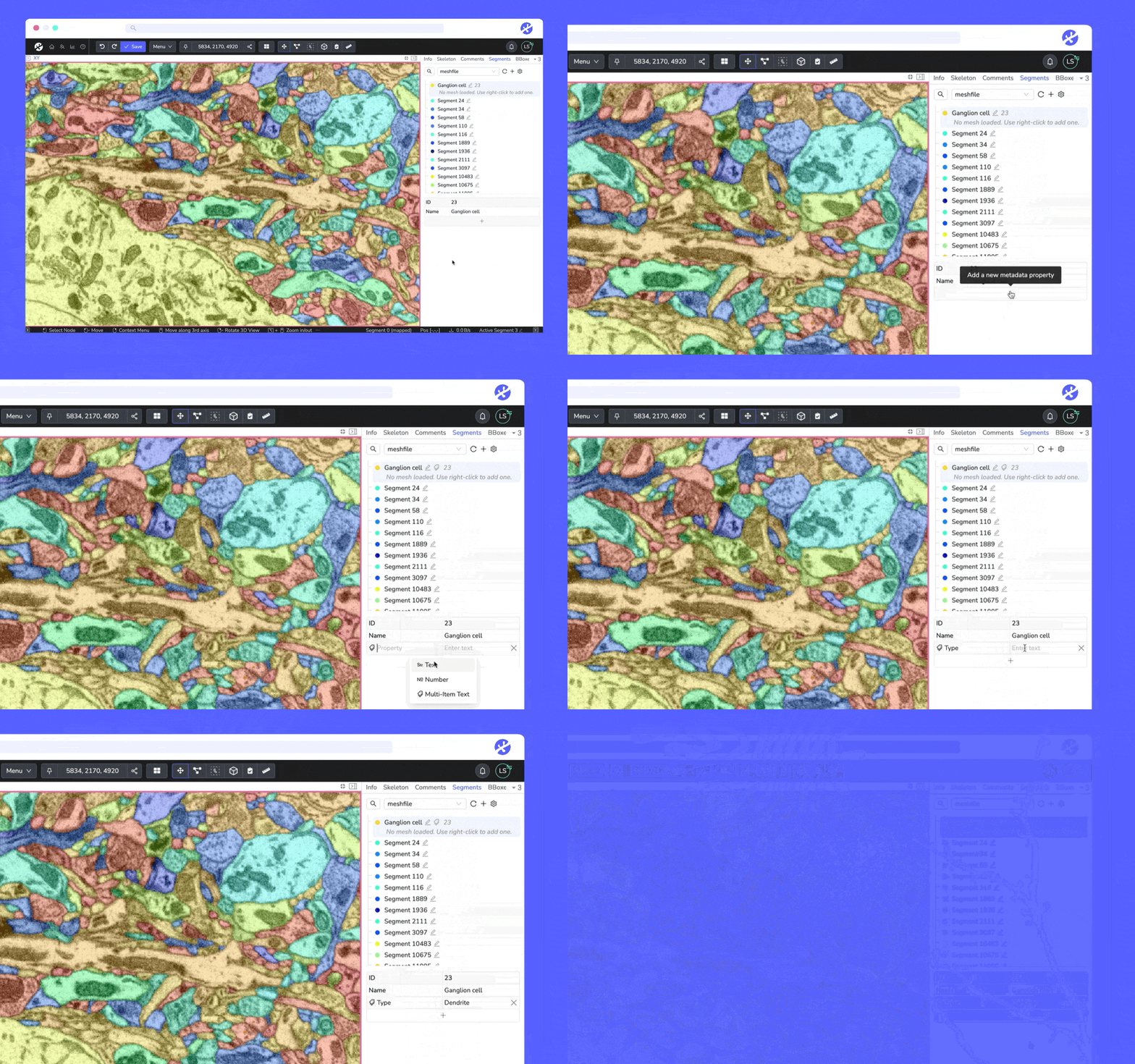
Metadata for Trees and Segments
It is now possible to add metadata in annotations to Trees and Segments. #7875
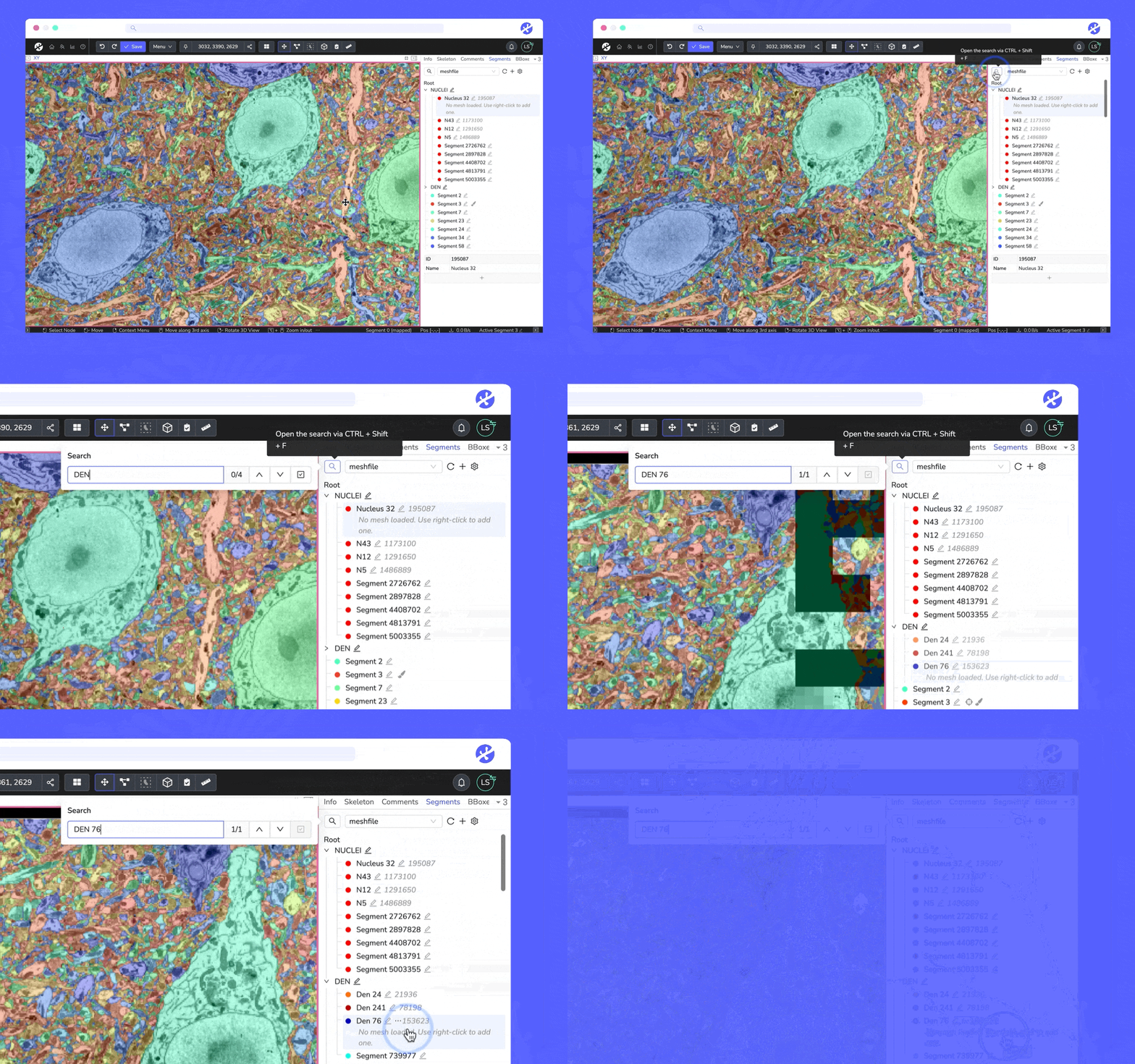
Improved skeleton and segment search
We added a button to the search popover in the skeleton and segment tab to select all matching non-group results. #8123
Improved bounding box feature
It is now possible to focus a bounding box in the bounding box tab by clicking its edges in a viewport or via a newly added context menu entry. #8054
Clicking on a bounding box within the boundin
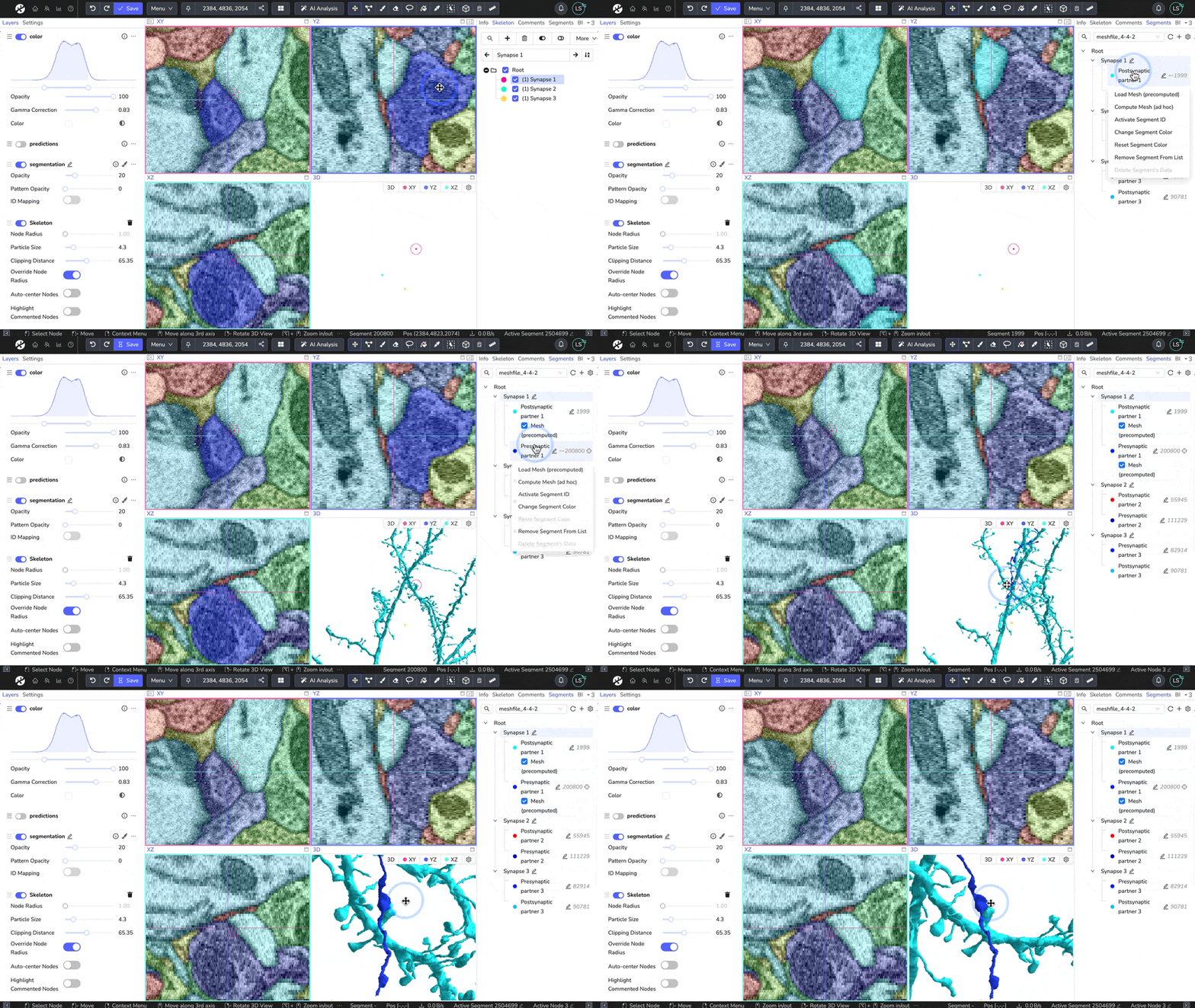
We’ve recently shared neuroanatomy exercises with WEBKNOSSOS. Today, we’re excited to release the second part of this series, featuring two exercises on cell biology. The first exercise focuses on recognizing cell processes in EM data, while the second exercise involves identifying synapses and exploring neurons and synapses in 3D.
Read more in this article: https://medium.com/webknossos/cell-biology-exercises-with-webknossos-c1e5a5f3fb85
Version 24.08
Improved AI quick-select tool
The AI-based Quick Select now works in 3D and can predict on multiple sections at once. This can be configured in the tool settings. Also, the underlying model now uses Segment Anything 2. #7965
The Quick Select tool can now be triggered with a single click. Drawing a rectangle is still supported. #7993

Metada for datasets and folders
Metadata entries can now be added to datasets and folders. The metadata can be viewed and edited in the dashboard in the rig
Have a look at these free exercises that help students get familiar with retinal connectomics: https://medium.com/webknossos/neuroanatomy-exercises-with-webknossos-2356fcdd3e4a
With just a few clicks, the students will start exploring neuronal structures in a volume EM sample of mouse retina, trace an unknown retinal ganglion cell, and identify the types of bipolar cells providing excitatory input to a previously reconstructed ganglion cell. By working through these exercises, they'll practic
The quick-select tool now works in 3D! Simply set the prediction depth, quick-select a cell, and WEBKNOSSOS will automatically segment across the selected number of sections. Plus, instead of drawing a rectangle around the cell, you can now segment it with just a click. Read the article to learn more or watch this short tutorial video.